
Home › Shipping & Warehouse Supplies › Low Stock Inventory Identifier Stickers
Low Stock Inventory Identifier Stickers
Red/green shelf-edge stock indicator sliders that give warehouse pickers an instant, no-scan visual cue that a bin or rack location is running low — reducing stockouts and speeding up replenishment rounds.

30mm
Slider height (1.18″)
100mm
Slider width (3.94″)
2
Color states — red / green
50-100
Sliders per pack
What Are Low Stock Inventory Identifier Stickers?
A simple, scan-free visual system for flagging when a shelf, bin, or rack location needs replenishment.

Low Stock Inventory Identifier Stickers are self-adhesive, two-color status sliders that mount directly to the edge of a shelf, rack beam, or storage bin. Each slider has a movable white insert sandwiched between a green half and a red half. Slide it to show green and the location reads as adequately stocked; slide it to show red and anyone walking the aisle — picker, replenisher, or supervisor — knows at a glance that the item needs reordering.
The design matches the Beaverswood® Stock Indicator Slider, a UK-manufactured warehouse labeling product built specifically for racking and shelving environments. The standard slider measures 30mm high by 100mm wide (1.18″ x 3.94″), small enough to sit flush on a beam or bin lip without blocking product access, and is sold in packs of 50 or 100 for full-warehouse rollouts.
Because the white center strip is writable, teams also use it to note a SKU, bin location code, or reorder point directly on the sticker — turning a simple stock flag into a mini location label at the same time.
Facilities also use a related three-color version — a stock indicator wheel with green, amber, and red positions — when they want a middle “reorder soon” state instead of a straight in-stock/out-of-stock flag. Most bin and rack applications, though, only need the simpler two-color slider covered here: a fast yes/no read that any picker can act on without training.
Key Features
Everything that makes these stickers a fast, low-cost fix for stockroom blind spots.
How Low Stock Indicators Improve Warehouse Efficiency
Small sticker, real impact on picking speed and inventory accuracy.

Cuts Downtime in the Picking Process
Pickers waste real time opening boxes and squinting at partially-full shelves just to confirm whether a location needs restocking. A red slider answers that question from the end of the aisle, so pick rounds and replenishment rounds can move faster with fewer wasted stops.
Improves Inventory Accuracy
Because the slider is a physical, always-visible flag rather than a system record that has to be checked, it catches the gap between “the WMS says we have stock” and “the shelf is actually empty” — a common source of phantom-stock errors and unnecessary rush orders.
Straightforward Replenishment Signals
With a clear red/green cue in place, replenishment becomes a straightforward walk-and-scan process: warehouse staff can identify which locations need to be reordered and act before stock levels become critical, instead of relying on cycle counts alone.
Ready to Flag Your Low-Stock Locations?
Order Low Stock Inventory Identifier Stickers for your racking or shelving, or talk to our team about a complete warehouse rack labeling system.
Request a Quote See Warehouse Rack Labels Call (800) 326-4403
Where Low Stock Indicators Work Best
Any storage system with a fixed pick face benefits from a visible stock cue.
Low stock sliders are most useful in manual pick environments — locations where a person, not a scanner, is the one deciding whether an item needs to be reordered. They are not a replacement for barcode scanning or a WMS reorder trigger; they are a fast, always-on backup signal that keeps working even when a scan gets skipped, a cycle count is overdue, or a new hire hasn’t learned the SKU list yet.
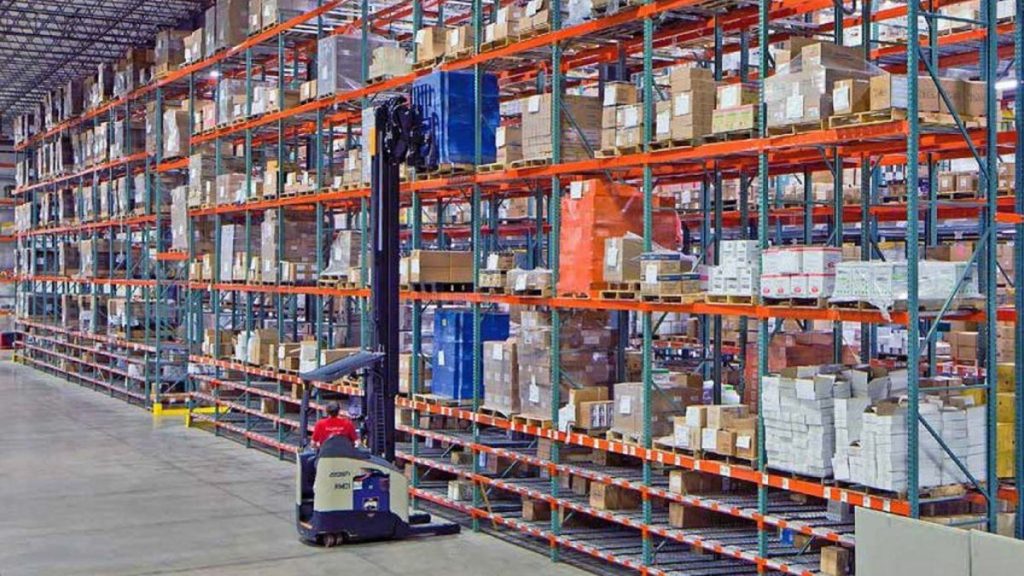 Pallet Rack & Beam LabelingMounted on the rack beam next to a location barcode, a slider flags a pallet position as needing replenishment without slowing down a forklift operator scanning the aisle.
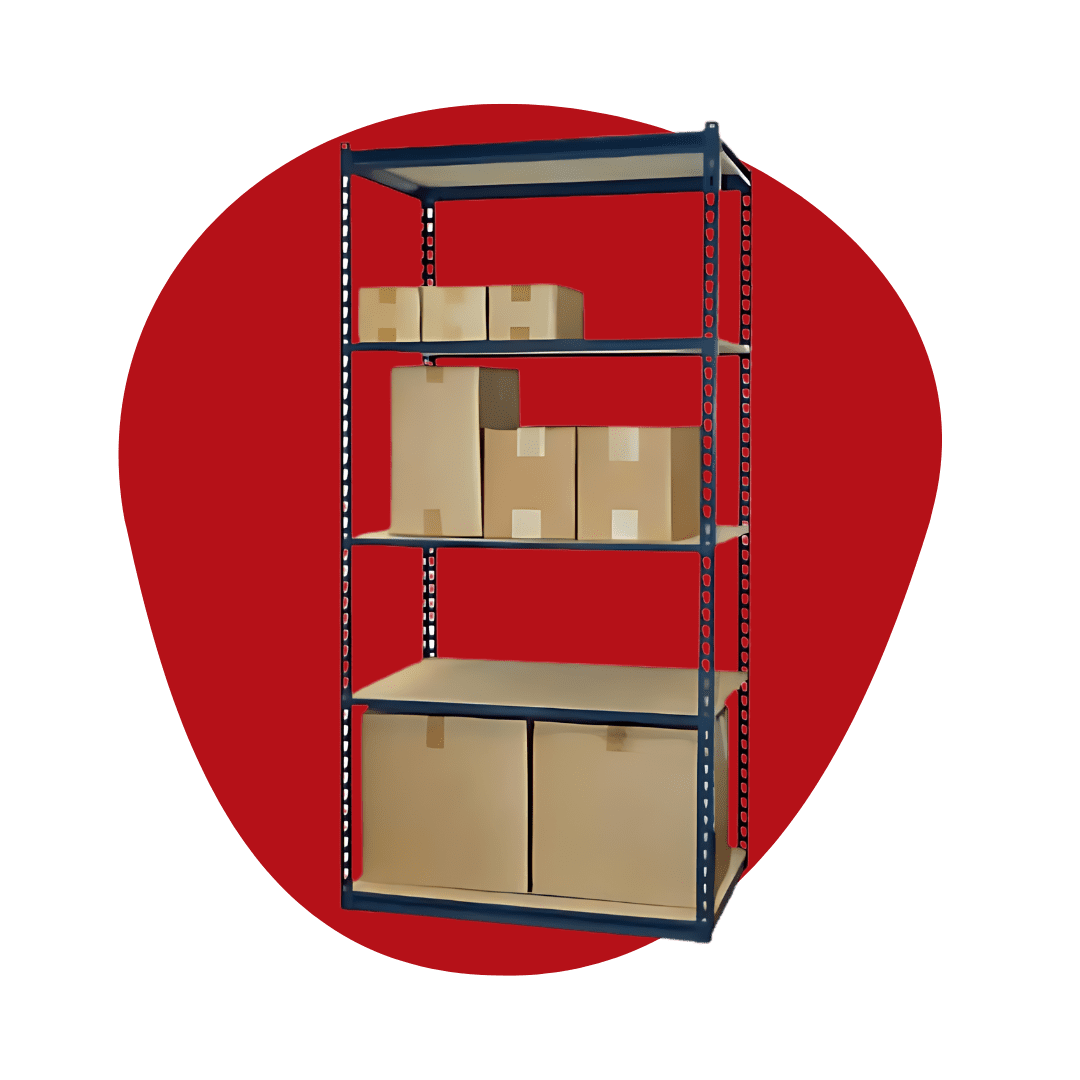 Boltless & Bin ShelvingShelving with mixed bin sizes benefits from a compact, low-profile indicator that doesn’t interfere with bin removal or stacking.
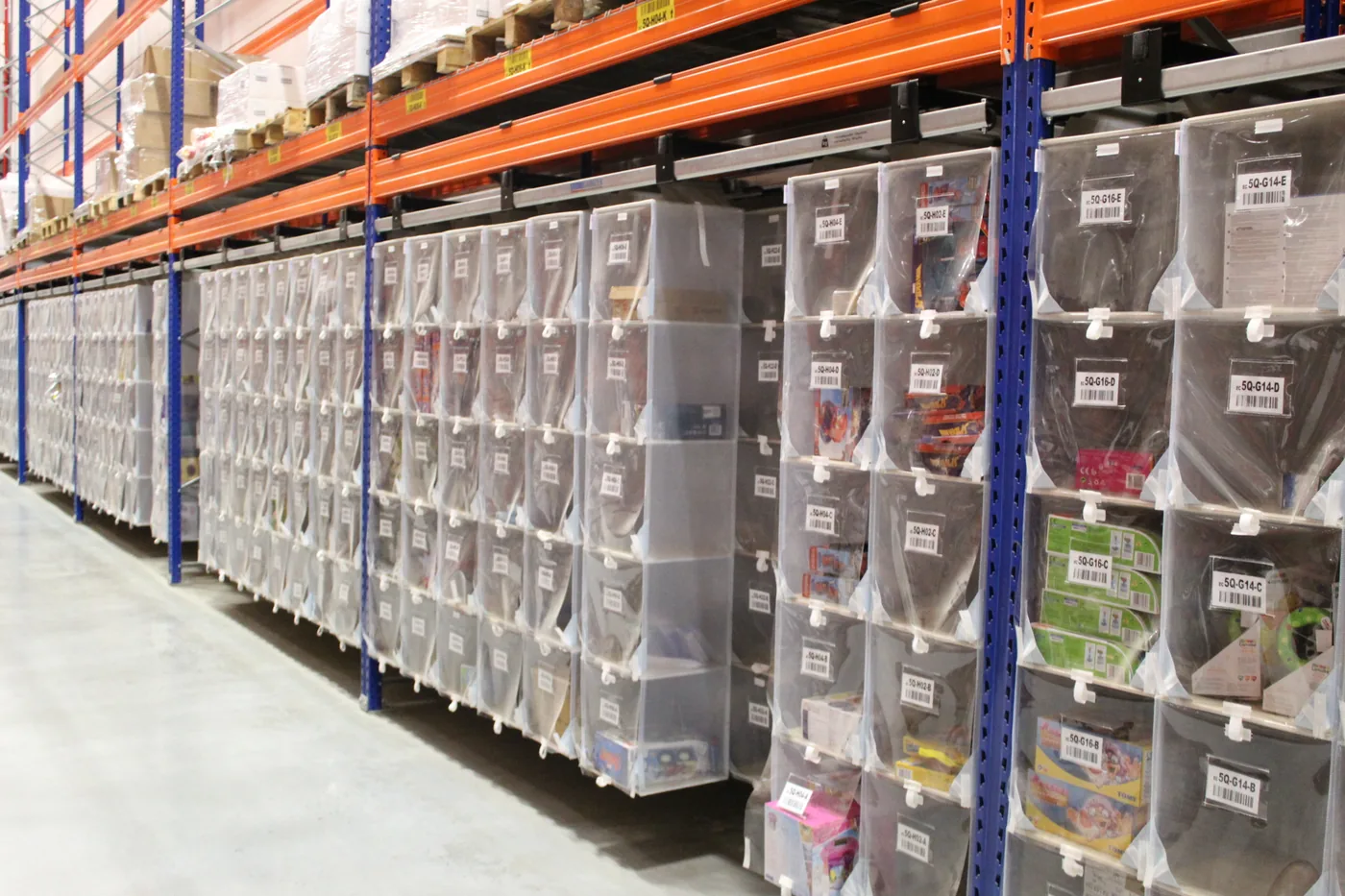 High-Density Pick FacesFacilities running Storeganizer pocket systems pair a slider with the pocket’s barcode label for a combined scan-and-glance stock check.
 Shipping & Packaging Supply RoomsBoxes, mailers, tape, and void fill are consumed in bulk and restocked on a schedule — a red slider is a fast way to catch a supply room running low before an order can’t ship.
Stock Indicator Sliders vs. Other Shelf Labeling Options
Low stock sliders are a status flag, not a full labeling system — most warehouses run them alongside one of the options below.
It helps to think of shelf labeling as two separate jobs that are often solved with two separate products: identifying a location (a permanent SKU or bin code) and flagging its status (whether it currently needs attention). A barcode label or clip-on holder answers the first question well but says nothing about current stock level. A low stock slider answers the second question instantly, without a scanner, but doesn’t carry a printed SKU on its own unless you write one on the writable insert. Most well-run stockrooms run both side by side on the same shelf edge.
| Option | What It Shows | Best For | Limitation |
|---|---|---|---|
| Low Stock Indicator Slider | Simple red/green stock status, flipped by hand | Fast visual reorder cue on any bin, shelf, or rack beam | Manual — someone has to flip it when stock changes |
| Clip-On Label Holder (e.g. Penco, Lyon) | Printed or paper SKU/location label | Permanent location identification | No built-in stock-level indicator |
| Barcode Rack Label | Scannable location or SKU code | WMS-integrated picking and cycle counts | Requires a scanner to read — no glance-and-go status |
| Storeganizer Pocket Label | Barcode + printed insert in a soft pocket | High-density pick faces with frequent SKU changes | Designed for pocket/tote systems, not rigid rack beams |
 Clip-On Label HoldersClear label holders that clip to the shelf edge for a printed, permanent SKU or location label — pairs well with a slider for stock status.
 Paper Shelf LabelsPrintable paper inserts sized for standard clip-on shelf label holders.
 Storeganizer Pocket LabelsBarcode pocket labels used across Storeganizer pick-face systems for scan-verified picking.
Ordering & Installation
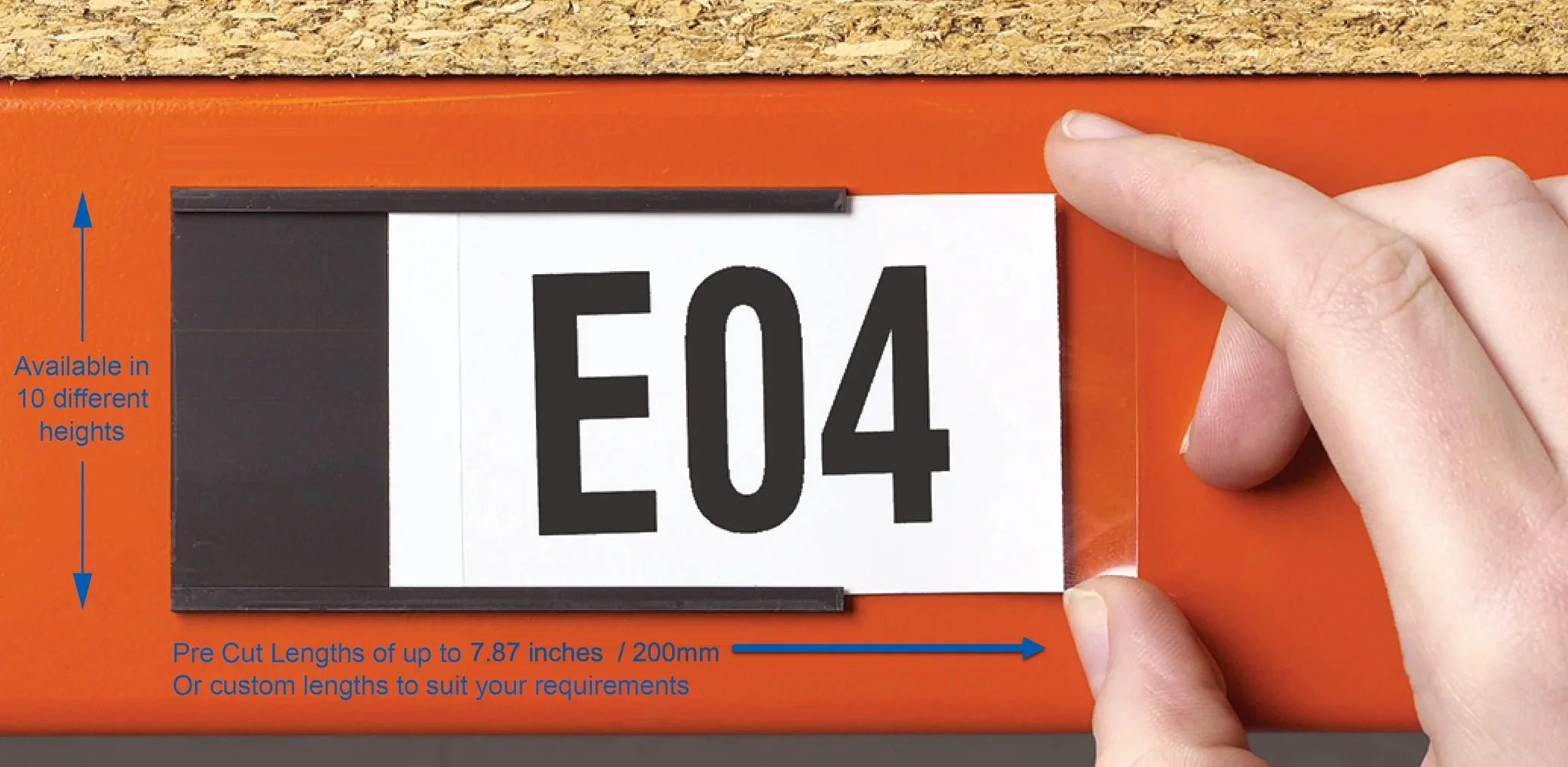
- Peel the adhesive backing and press the slider housing onto a clean, flat section of the shelf edge, rack beam, or bin lip.
- Slide the white insert to green when the location is adequately stocked.
- Slide it to red the moment stock drops below your reorder point — no system login required to make the flag visible.
- Optionally write a SKU, bin code, or reorder quantity on the white face, or affix a small printed label to it.
- Standard packs of 50 or 100 cover a full rack run; contact our sales team for bulk pricing on larger rollouts.
Bulk orders typically ship in packs of 50 or 100 sliders, which is enough to cover one aisle of pallet rack beams or a full run of bin shelving in most small-to-midsize distribution centers. Larger facility-wide rollouts — multiple buildings, dozens of aisles — usually make sense as a custom quantity order rather than stacking multiple standard packs, so it is worth calling ahead with an approximate location count.
Frequently Asked Questions
How does the two-color slider actually work?
Can I write on the sticker?
Will the adhesive hold up in a busy warehouse?
What size are the standard stickers?
Where should I install these stickers?
How do I order Low Stock Inventory Identifier Stickers?
Related Products & Resources
A low stock slider is one piece of a larger warehouse organization system. Most facilities pair it with a permanent location label, a defined replenishment trigger, and a labeled storage system built for the product mix on hand — the resource and product lines below cover each of those pieces.
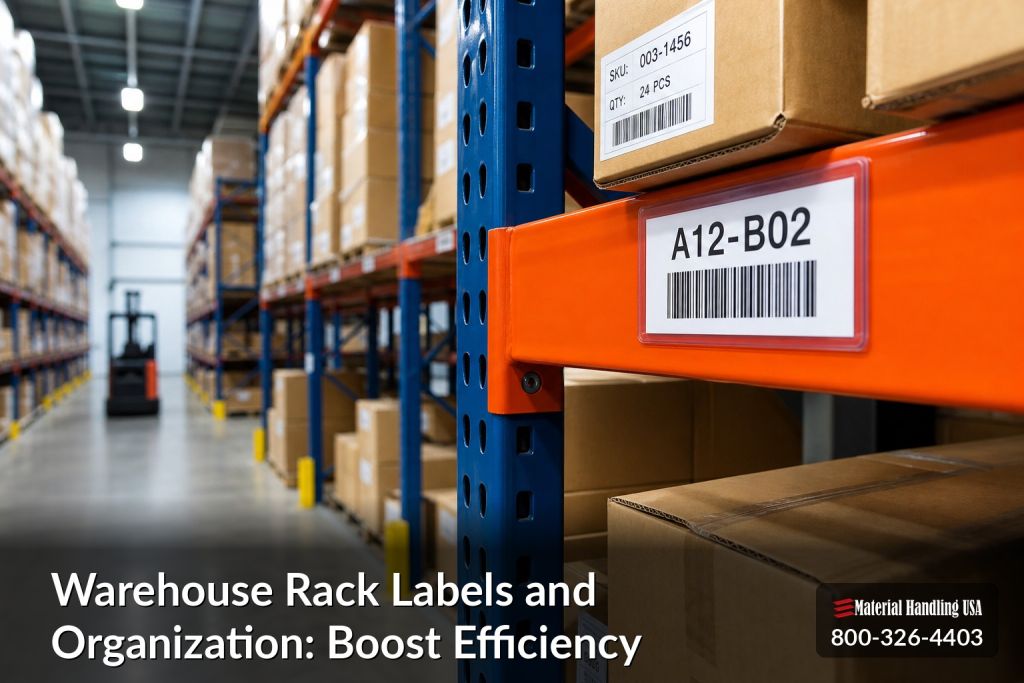 Warehouse Rack Labels & OrganizationA full guide to labeling systems for warehouse racking, from barcode labels to color-coded location tags.
Ready to Stop Guessing on Stock Levels?
Get a fast quote on Low Stock Inventory Identifier Stickers, or talk to our team about a complete warehouse labeling system for your racking and shelving.